Winter pre-season checklist for activity businesses
For ski slopes, snow centres, indoor venues and anyone running winter experiences, the busy season is about to start. Half-term, the Christmas holidays and the first cold snap all bring a rush of bookings. A couple of hours in eola now means customers can book the moment they start looking, and your team isn’t sorting out paperwork and rotas on the busiest day of the year.
Work through this list before the winter season starts. Each item says where to find it in eola. Wrapping up a summer season instead? Start with our end of season checklist.
1. Open your winter dates
Customers can only book what’s on your calendar. Open each activity from Products > Activities, go to the Schedule step and set when it runs. Sessions can repeat daily, weekly or monthly, so add your half-term, Christmas and New Year sessions now.
- Block out Christmas Day, staff training or slope maintenance with a calendar note, so nobody books them.
- Need fewer places on one session, for example when frost or high winds are forecast? You can change the capacity of a single session from the calendar.
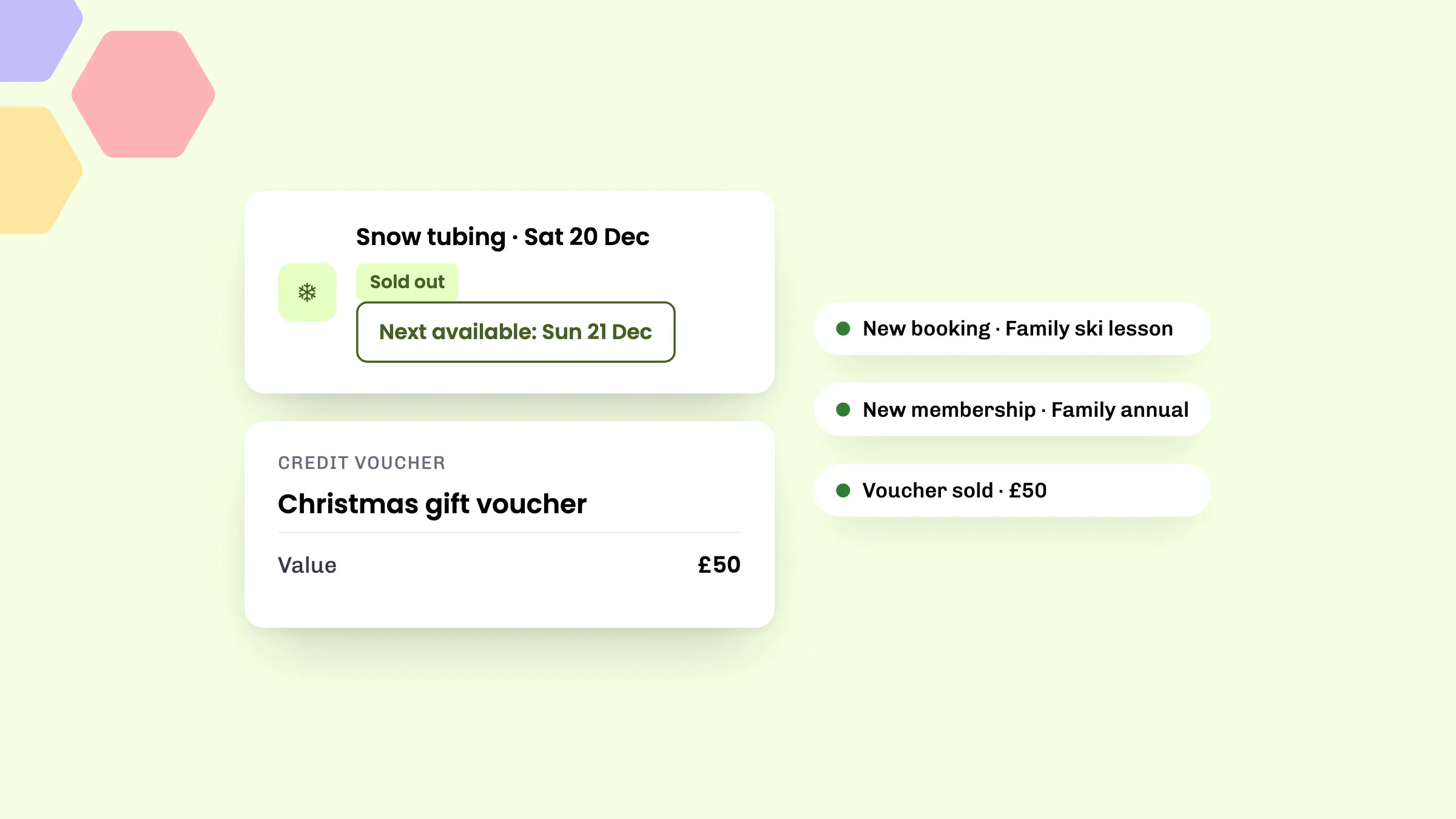
- Busy days sell out. Full sessions now stay on your widget and the eola marketplace marked Sold out, and point customers to the next day with space.

2. Check your winter prices
Look over each activity’s Pricing step before the first bookings come in.
- Seasonal prices: if you charge more over half-term and the Christmas holidays, or less on quiet January weekdays, set it up once with seasonal pricing under Toolset > Seasonal pricing.
- Child prices, add-ons and group discounts: check they’re right for the season, and that each add-on, such as boot hire or a hot drink, says what it includes.
- Discount codes: on Pro, a limited-time code can help fill quieter weekdays after New Year.
3. Refresh your listings for winter
Swap summer photos for winter ones, and say what customers should wear and bring when it’s cold or wet. Clear titles, short descriptions and good photos turn browsers into bookings. Our guide to writing activity listings that get booked goes through each part, from taglines to photos.
4. Update waivers and questionnaires
Customers sign your disclaimer and answer your question pack online when they book. Check both still match how you run each activity this winter, from ski lessons to tubing.
- Disclaimers are under Toolset > Policies > Disclaimers. If you change one, customers are asked to sign it again next time they book.
- Question packs are under Toolset > Policies > Question packs. Keep them short, and make the answers your instructors need, such as ability level or boot size, mandatory.
- On Pro, the AI questionnaire checker flags answers your team should look at before a session.
While you’re there, check your cancellation policy under Toolset > Policies > Cancellation, so customers know where they stand if the weather or plans change.
5. Get your winter team ready
- Add seasonal and returning staff under Toolset > Team > Add Team Member, and choose each person’s permission level.
- Add each instructor’s qualifications, such as first aid or coaching awards. eola lets you know six weeks before one expires.
- Use instructor calendars to see who’s free and assign people to sessions. Unlimited instructors and instructor calendars are included on every plan.
- Give instructors a printed participant list for each session, with the questionnaire answers they need, such as boot size or medical needs.
- If you plan rotas in Shiftie, the Shiftie integration can keep instructor availability in eola up to date for you.
6. Make paying easy
- Deposits: for bigger bookings made well ahead, such as Christmas parties and school groups, customers can pay part now and the rest later. Deposits is in Alpha, so ask our team to switch it on from Toolset > Apps.
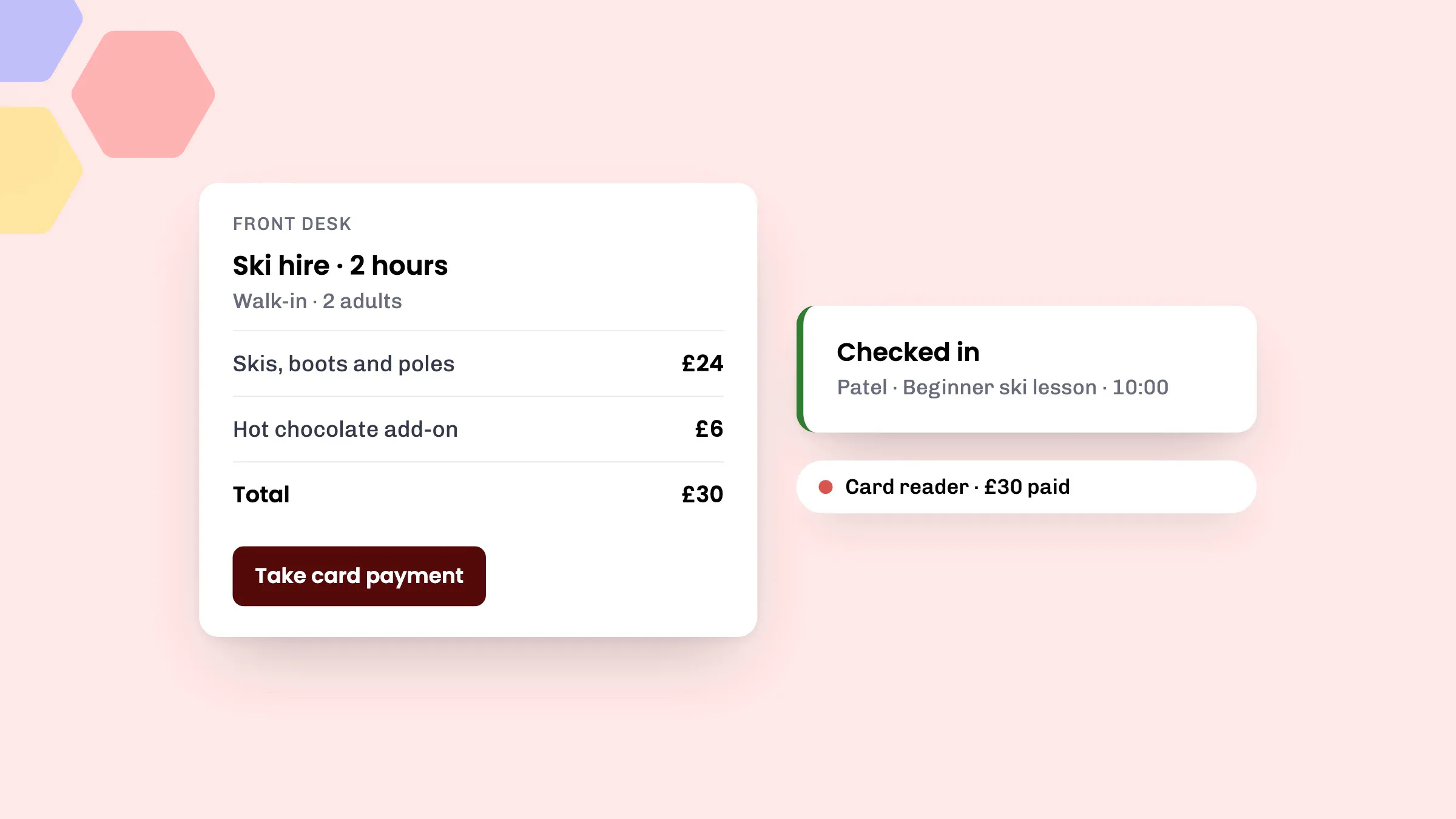
- Card reader: take payments for walk-ins and kit hire at the front desk, straight into eola. Add the Card readers app from Toolset > Apps, then set up your reader under Toolset > Card readers.
- Check-in: on Pro, scan customers in from the QR code in their confirmation email, so queues move faster on cold mornings.
7. Sell before Christmas
- Vouchers: Christmas is the biggest time of year for gifts. Put your credit vouchers and activity vouchers on sale early and make them easy to find. Credit vouchers are included on every plan. Our guide to selling more vouchers this Christmas has the details.
- Memberships: January is when people make plans to get active. Set up your memberships before Christmas, so regulars can join in the new year. Memberships are included on every plan, including Starter. See whether memberships are worth it for your business.
8. Be easy to find and book
- Your website: put the eola widget on your website so customers can book from any page. Go to Toolset > Widget > My widgets, open your widget and copy the script under Website integration.
- The eola marketplace: reach people searching for winter things to do by area and activity. It’s included on every plan. Go to Toolset > Apps, open Marketplace and select Add to eola.
- Reviews: add your Google, Tripadvisor or Facebook review links under Toolset > Widget > Widget settings, and every customer is asked for a review after their visit.
9. Book a pre-season check-in
Our team can go through your set-up with you and suggest ways to take more bookings this winter. Book a free pre-season check-in at a time that suits you.
See eola in action
Want to see how this could work for your business? Book a demo or get in touch with our team.