Christmas checklist: get your activity business ready for the holidays
This Christmas checklist covers six things to set up in eola before the holidays, from vouchers and a Black Friday offer to the days you’re closed. Get them done this month and you sell more before Christmas, keep the holidays running smoothly and go into January ready for new members. Each item links to a guide with the full steps.
1. Put vouchers on sale early
Credit vouchers are an amount to spend and activity vouchers are a gift of a specific experience. Customers buy them as presents now, bringing money in during the quiet months, and the people who receive them book with you next season. Our guide to selling more vouchers this Christmas covers set-up and how to promote them.
2. Run a Black Friday offer that ends on its own
Discount codes now have an end date, so a Black Friday code can run from Friday 27 November to the end of Monday 30 November and then stop by itself. Each code’s page now shows the revenue from purchases made with it, so you can see which offer paid off before you plan your Christmas one. Our guide to discount codes shows how to set one up.
3. Set festive prices for your busiest dates
Seasonal pricing lets you set a higher or lower price for chosen dates on each activity or stay, and eola charges the right price automatically. Prices are set for date ranges, such as the school Christmas holidays, and every other date stays at your standard price. Set them now, so early bookers pay the right price for the date they choose.
4. Block the days you’re closed
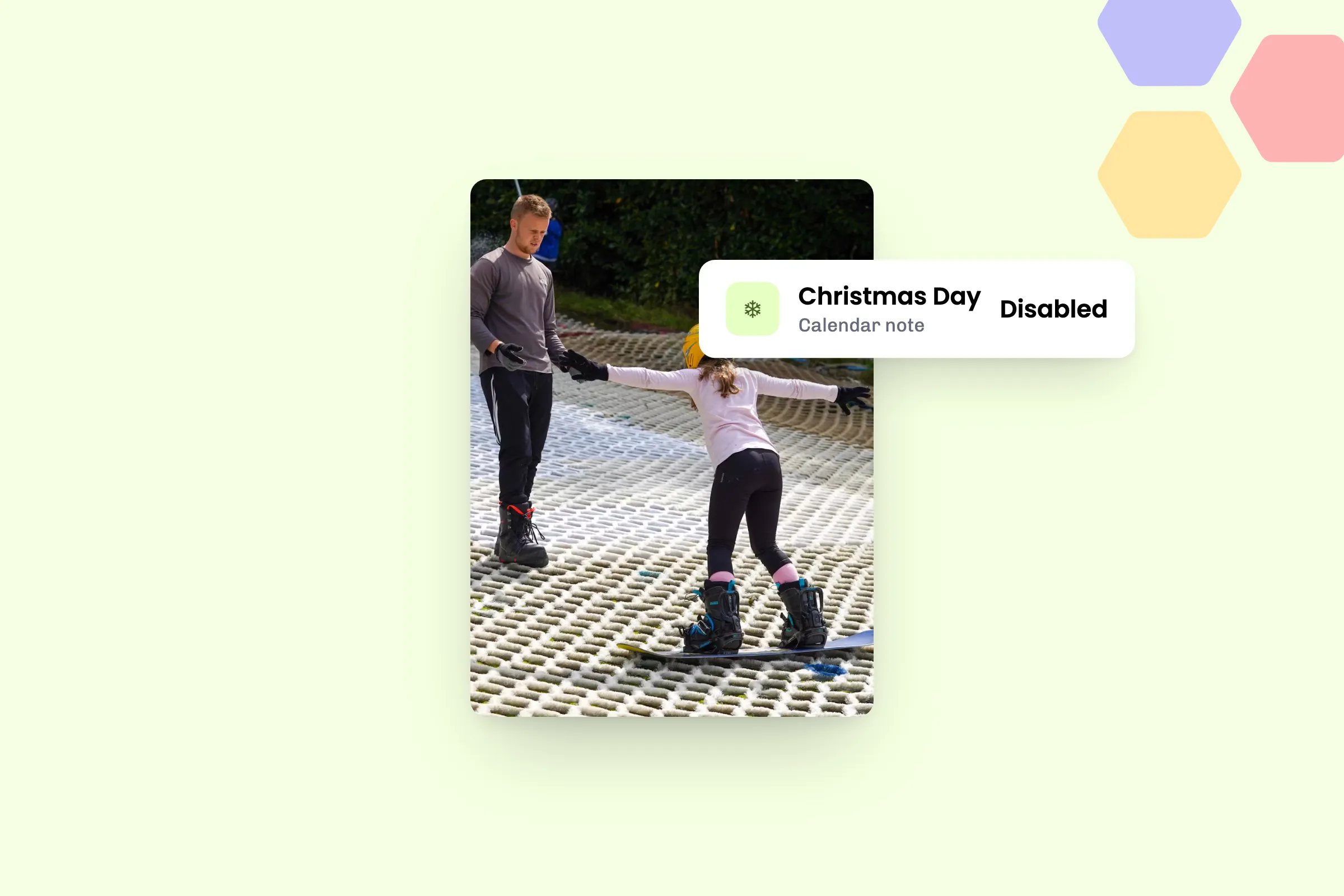
Blocking your calendar availability stops new bookings on the days you’re closed, such as Christmas Day, without touching the bookings you already have. Go to Calendar, select the day, choose Add note, then Disable, set the times and select Disable time slots. Rentals are blocked separately through your resources, and if you sell stays you can now block accommodation spaces from the calendar too.
5. Sell gifts and stocking fillers at the desk
Store items let your team sell branded clothing, accessories and small kit at the desk as easy Christmas presents, with every sale recorded alongside your bookings. Staff can now sell store items by cash or card reader without the customer’s name and email: tick Sell without a customer at checkout and a quick sale doesn’t hold up the queue. Our guide to taking bookings at the front desk has more.
6. Get memberships ready for January
Memberships can now have a minimum term and a notice period, so the members who join in January stay with you into the spring. Members now see the terms before they buy, so everyone knows where they stand. Your team can now sell memberships at the desk too, and our guide to setting up memberships covers plans, benefits and members.
See eola in action
Tick these off this month and you’re ready for Christmas and the New Year, with vouchers on sale, offers that end on time and memberships ready for January. If you’d like a hand with any of them, talk to us.

New to eola?
eola is the booking system made for activity and experience providers. Take bookings and payments online, sell credit and activity vouchers and run Christmas offers, and put your activities in front of new customers on the eola marketplace. Book a demo and we’ll show you how eola could work for your business.