End of season checklist for activity businesses
The last sessions of the season are done and the kit is drying out. Before you take a well-earned breather, a few jobs in eola will keep money coming in over the winter and make next season easier to start.
Work through this list in an afternoon. Most of it takes a few minutes.
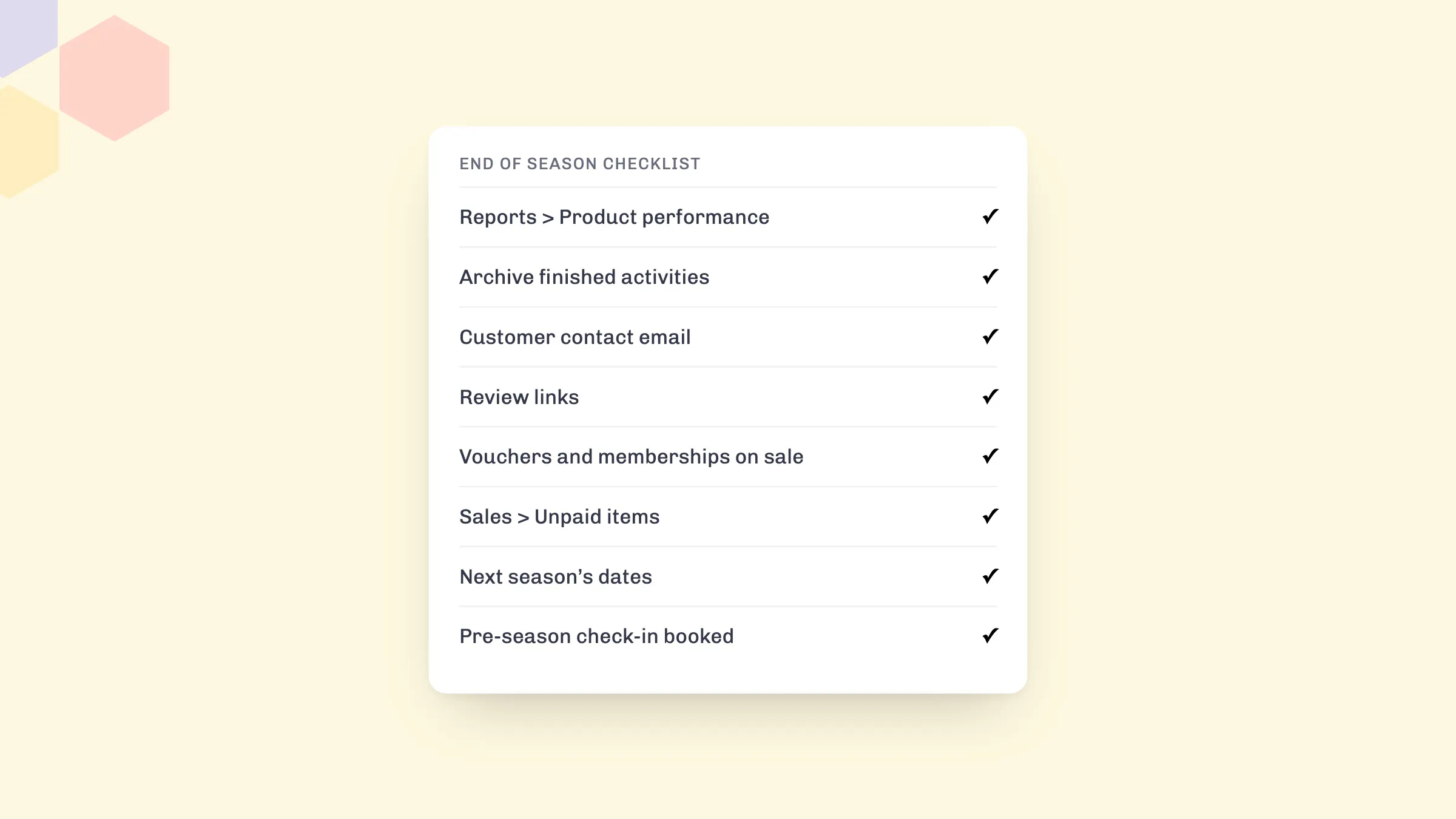
1. Look back at your season
Open Reports > Product performance and look at the season as a whole. It shows which activities sold best and which struggled, so you know what to run again, what to reprice and what to drop. Note your busiest weeks too: they tell you where to add sessions next year.
2. Archive what has finished
Archive activities and rentals you won’t run again, and end any discount codes or offers that were only for the summer. Customers then only see what they can actually book, and nobody books a session that isn’t happening.
3. Check your contact details and your team
If customers will email a different address over winter, update Customer contact email in your centre settings. Then remove seasonal staff and freelancers who no longer need access to your dashboard.
4. Ask every customer for a review
Reviews written now are what new customers read before they book next spring. Review links add a review button to the thank-you email every customer gets after their visit, for Google, Tripadvisor or Facebook. They’re free on every plan and take a couple of minutes to set up.
5. Keep income coming over winter
- Credit vouchers: customers buy them now as gifts and spend them next season. Christmas is the busiest time of year for them.
- Memberships: regulars pay monthly or yearly through the winter, and January is when people sign up to new routines.
- Winter sessions: if you run anything indoors or all year, make sure it’s live and easy to find on your widget.
6. Chase what’s still owed
Check Sales > Unpaid items for bookings that were never fully paid, and send a payment link to anyone who still owes you. It’s much easier to settle now than in March.
7. Open next season’s dates early
Add next year’s sessions as soon as you know them. Early planners book well ahead, and the first bookings show you where demand is so you can plan staff and kit. If your prices change through the year, set them up with seasonal pricing, so early bookers pay the right price for the date they choose.
8. Book your pre-season check-in
Our team can go through your set-up with you before next season and suggest ways to take more bookings. Book a free pre-season check-in at a time that suits you.
See eola in action
Want to see how this could work for your business? Book a demo or get in touch with our team.