A booking system for ski schools and ski centres
Running a ski school or a dry slope means juggling lessons for every level, kit for every customer and a slope that can only take so many people at once. Add tubing sessions, club members and a front desk that gets busy on a Saturday morning, and the admin soon piles up.
eola is a booking system built for activity businesses, and ski centres across the UK use it every day, including Norfolk Snowsports Club. Here’s how it handles the parts of a ski day that take the most time.

Lessons and courses for every level
Set up each lesson, taster, course or practice session as an activity, with its own schedule, capacity and price. You choose how to charge:
- Per person, with different prices for adults and children.
- A flat price for a private lesson, however many people come.
- A base price for a set number of people, with an extra charge for each person after that.
Each activity can have its own child age, so a junior club can count teenagers as children without changing the age for everything else you sell. If the slope is icy or you’re short of instructors, you can change the capacity of a single session without touching the rest of the schedule.
For improver and race sessions, the Approvals app (currently in beta) lets you mark an activity as needing approval, so only skiers your instructors have signed off at the right level can book it.
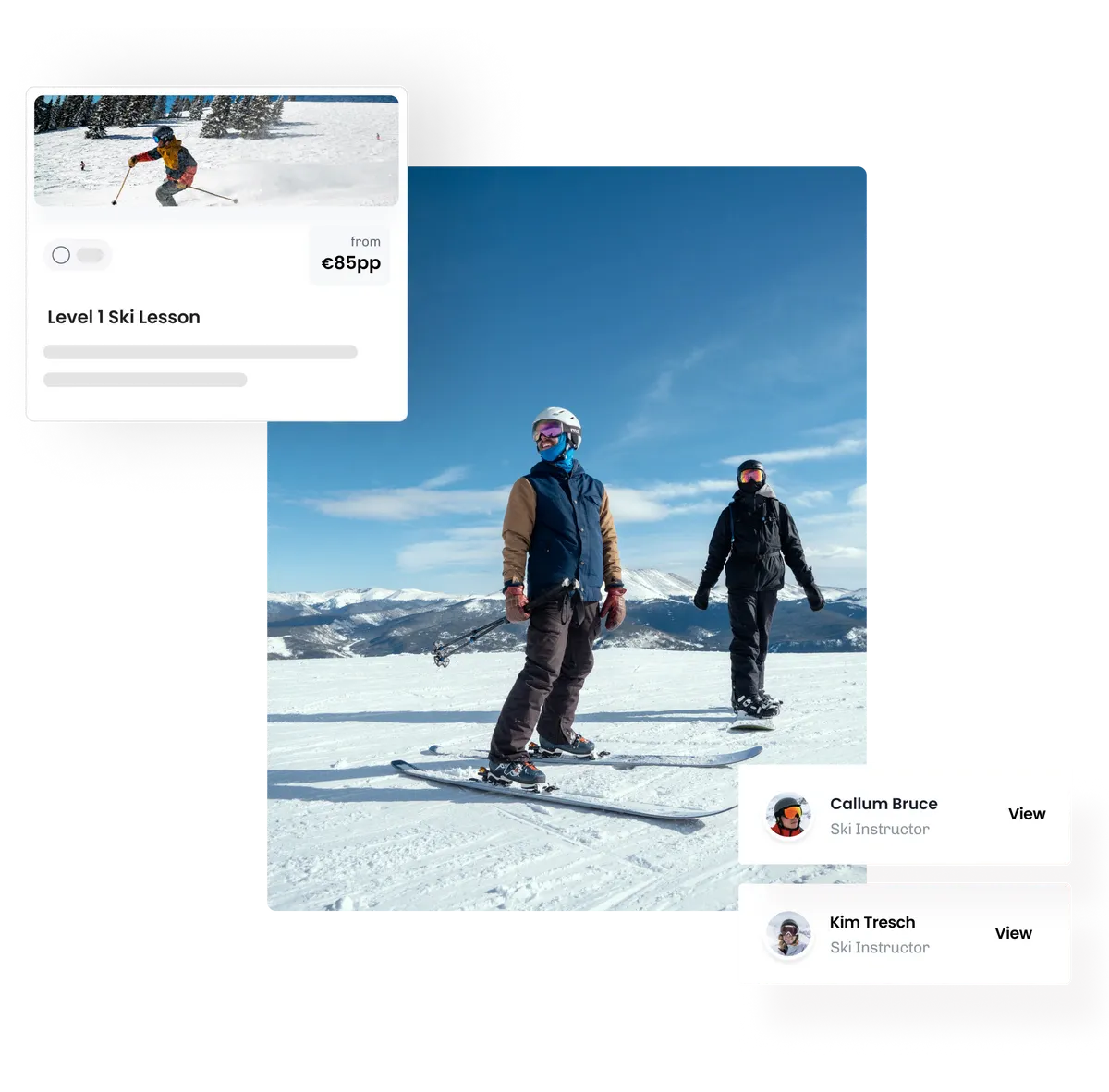
Waivers and questionnaires before anyone reaches the slope
Customers sign your disclaimer and answer your questions online when they book, so nobody is filling in forms at the desk while their lesson is about to start. Regulars can save a signed disclaimer and reuse their answers, so they’re not asked the same questions every week.
Every session has a Participants tab listing everyone taking part, adults and children, with the questionnaire answers you choose to show. Print it for your instructors or the boot room, or download it as a spreadsheet.
On Pro, the AI questionnaire checker reads completed questionnaires and flags the answers your team should look at, such as a health condition or someone who doesn’t meet the requirements you’ve set.
Skis, boots and tubes that never double-book
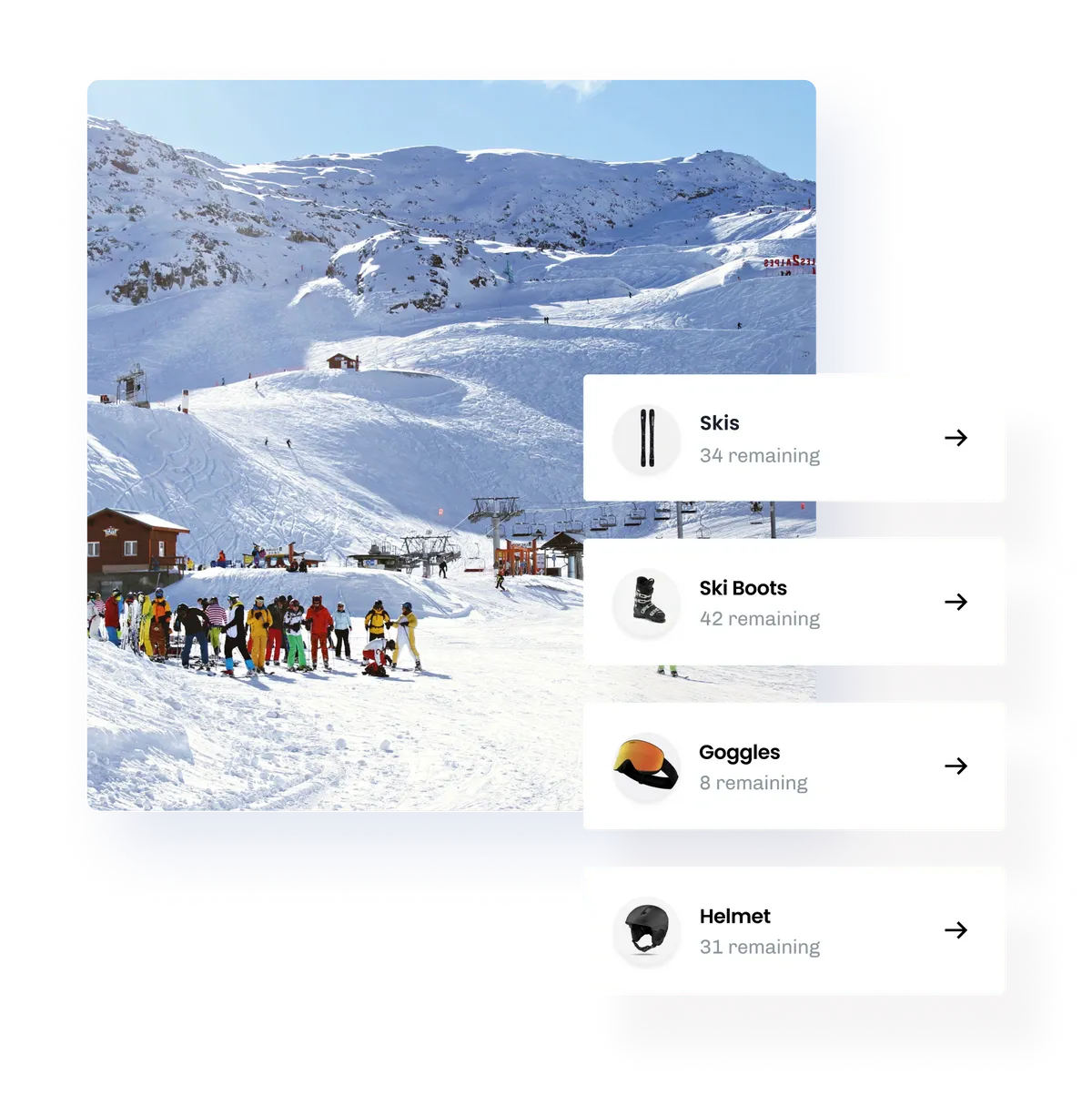
Every lesson uses kit: skis, boots, snowboards, helmets or tubes. With automated resource management on Pro, eola keeps track of your kit as bookings come in, so you never sell more places than you have boots in the right sizes or tubes for the run.
Spare kit can earn money too. On Pro you can sell rentals for practice sessions, and eola checks they don’t clash with your lessons.
Instructors and their qualifications
Each instructor has their own calendar, so you can see who’s free, assign them to lessons and avoid double-booking anyone. Add each instructor’s qualifications and eola lets you know six weeks before one expires. Unlimited instructors, instructor calendars and instructor permissions are included on every plan.
Members and clubs
Many ski clubs run on memberships. Members can join and pay online, add their family as named members, book members-only sessions and get their member prices automatically. Each member has a QR code and can add their pass to Apple Wallet or Google Wallet. Memberships are included on every plan.
At the front desk, staff see a member’s price before taking payment, by card reader or cash, and QR code check-in on Pro lets you scan customers in from their booking confirmation email.
Bookings day and night, on your website and the marketplace
Most people book lessons in the evening, when you’re closed. The eola booking widget sits on your own website, so customers can choose a lesson, add their group and pay in a few clicks without leaving your site.
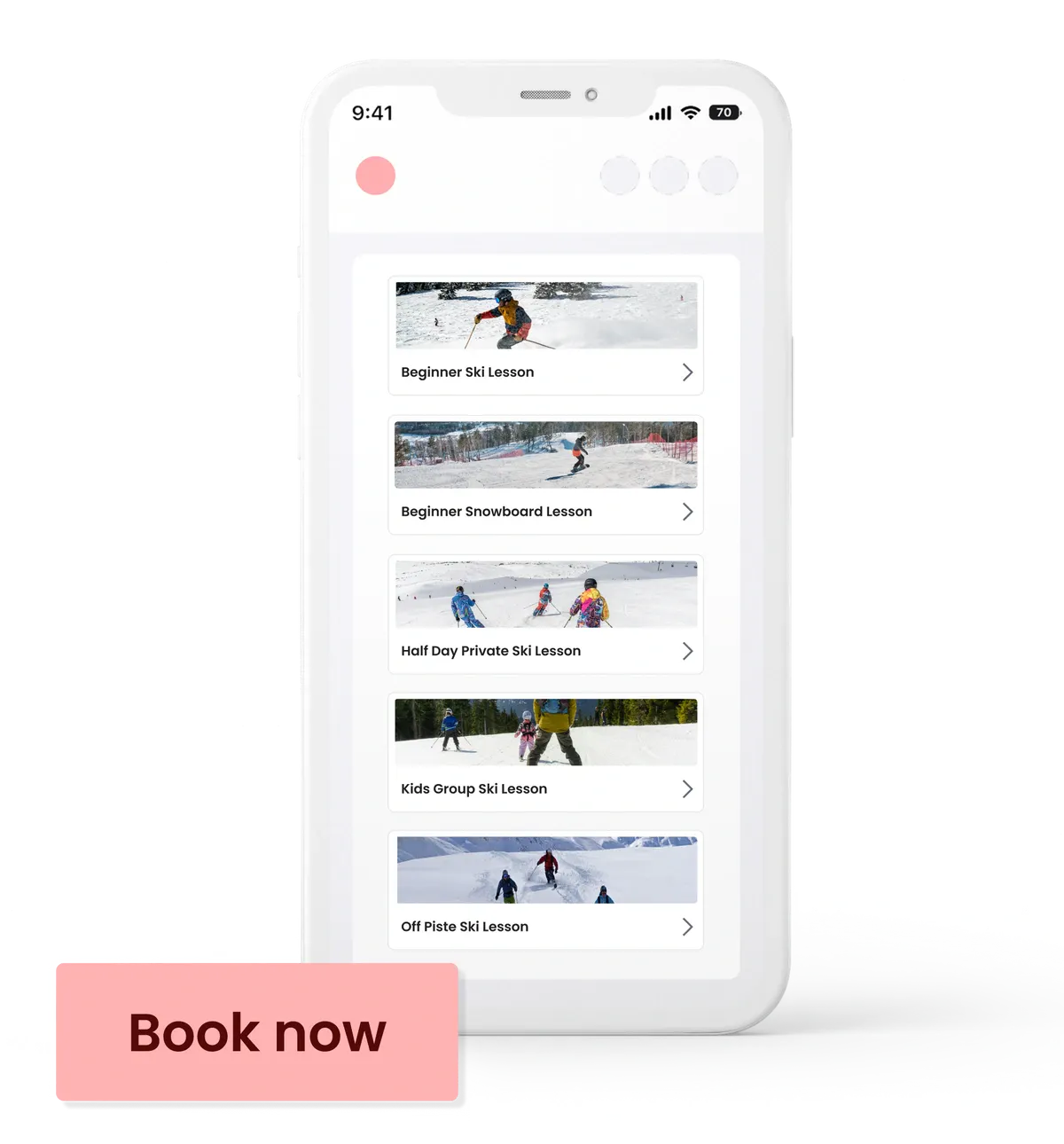
You can also list your sessions on the eola marketplace, where people search for things to do near them. Norfolk Snowsports Club listed their tasters, beginner lessons and tubing there and found new customers they wouldn’t have reached otherwise. Read how Norfolk Snowsports improved their operations with eola.
“Customers are doing so much more online now. The phones ring less, queues are shorter,” says Hannah at Norfolk Snowsports Club.
Keep bookings coming in all year
- Gift vouchers: sell credit vouchers or vouchers for a set lesson, so people buy them at Christmas and book later. Credit vouchers are included on every plan.
- Class passes: sell a block of sessions to improvers who come back every week. Class passes are part of Pro.
- Discount codes: fill quieter weekdays with a code for schools or local groups. Discount codes are part of Pro.
- Reviews: eola can ask every customer for a review after their session, which helps new customers choose you.
Switching to eola
Most centres can set up their activities and schedules themselves. If you have a lot of customer data on another system, our team can help you move your historic data across, and on a Custom plan we offer setup support and data migration.
What it costs
Starter is £0 a month and Pro is £249 a month. Card payments have a 1.7% + 30p processing fee, and customers pay a 5% booking fee at checkout. See our pricing page for what each plan includes, or our ski schools page for more.
See eola in action
Want to see how this could work for your business? Book a demo or get in touch with our team.