What to look for in a booking system for your activity business
Your booking system takes the bookings, collects the money, gets the waivers signed and tells your team who’s turning up. Moving to a new one later is a hassle, so it pays to choose carefully.
Before any demos, write down the three jobs that take your team the most time, such as phone bookings, chasing payments or paper waivers. Then use this checklist to see how each system handles them. Under each point, we’ve said how eola does it. New to all this? Start with what an online booking system is.
The checklist
1. Booking that’s quick on a phone
Most people book in the evening, on their phone. Try each system as a customer on your own phone and count the steps. Check it runs on your own website, so customers aren’t sent somewhere unfamiliar to pay.
How eola handles it: the booking widget sits on your own website, added with one line of code. Customers can pay by card, Apple Pay or Google Pay.
2. Products that match what you sell
Do you also hire out kit, sell memberships or have somewhere to stay? You want one system for all of it, with pricing that works the way you charge: adult and child rates, add-ons, group discounts and higher prices on busy dates.
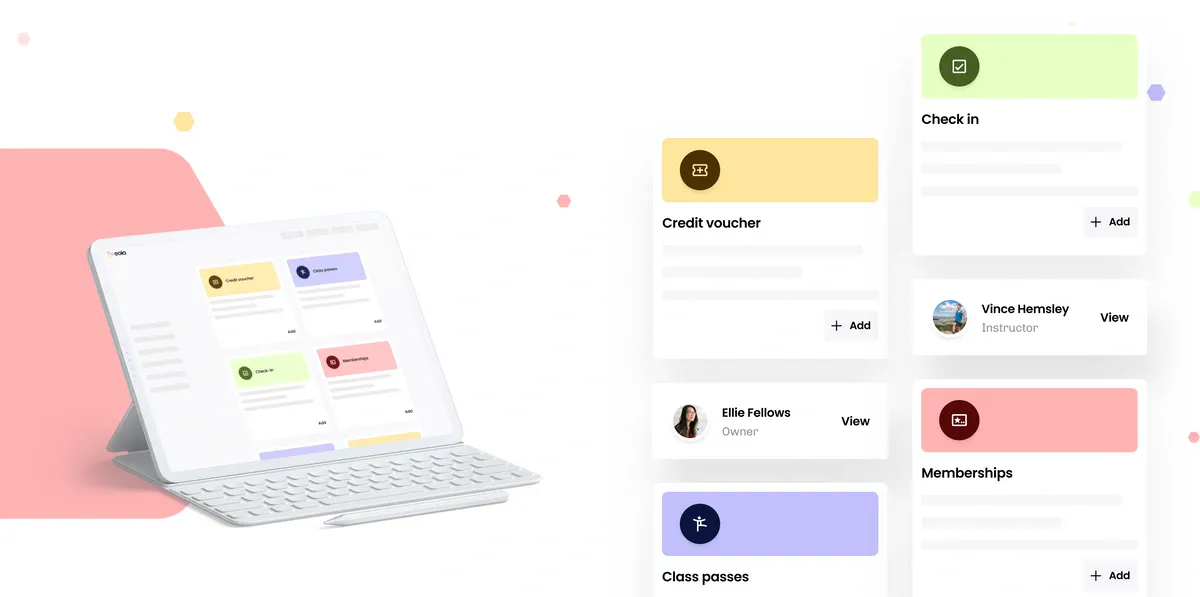
How eola handles it: activities, memberships and credit vouchers are on every plan, and rentals and class passes are on Pro. You can also sell accommodation alongside your activities and set seasonal prices.
3. Payments built in, with clear fees
Add up the monthly fee, the card processing fee and any booking fee, and ask who pays each one. Ask how you’d take payment for a phone booking, and whether customers can pay a deposit.
How eola handles it: card, cash and invoice payments are on every plan. Card payments go through Stripe and are paid into your bank once a week. For phone bookings you can send a payment link by email or text, and our team can switch on deposits for you.
4. Waivers and questionnaires done before the day
Paper forms slow down check-in. Look for online waivers that customers sign when they book, your own questions for each activity, and reminders for anyone who hasn’t finished.
How eola handles it: online waivers and questionnaires are on every plan. You assign a disclaimer and a question pack to each activity, and customers who haven’t signed get a reminder email. On Pro, the AI questionnaire checker flags answers your team should look at.
5. Staff and kit that can’t be double-booked
Check the system knows how many people each boat, board or instructor can take, and stops selling when they’re full.
How eola handles it: unlimited instructors, instructor calendars and instructor permissions are on every plan, and eola reminds you six weeks before a qualification expires. Automated resource management, which keeps track of your kit as bookings come in, is on Pro.
6. Walk-ins and phone bookings in the same place
If front desk sales live in a separate till or notebook, your availability and reports will never match. Check staff can take bookings and payments in person, in the same system.
How eola handles it: New booking in your dashboard handles walk-ins and phone calls, with cash or a card reader at the desk. Onsite point of sale is on every plan. On Pro, staff can check customers in by scanning a QR code.
7. Emails that do the chasing for you
Confirmations, reminders and review requests should go out on their own, in wording that sounds like you.
How eola handles it: confirmation and reminder emails go out automatically, and eola can ask every customer for a review after their visit. Customisable emails are on every plan.
8. Your brand, not the software’s
Customers should feel they’re booking with you. Look for your own logo, colours and photos, and other languages if you get visitors from abroad.
How eola handles it: customisable branding is on every plan, including your logo, cover photo and button colour. Multi-language support is on Pro.
9. Reports you’ll actually use
Check you can see what sold, match payouts to your bank and download your data.
How eola handles it: reconciliation, performance and customer reports are on every plan, and you can download reports as CSV files. Analytics tracking and reporting codes are on Pro.
10. Your customers’ data kept safe
You’ll hold contact details and sometimes health information. Check who processes card payments, what the terms say about your data, and how staff logins are protected.
How eola handles it: card details go to Stripe rather than eola, and each team member has their own login and permission set. Our guide to checking how a booking system protects your data covers what to ask.
11. Ways to sell more, and room to grow
A good system should help you fill quiet days. Look for vouchers, memberships, discount codes and a way to reach new customers. If you might open a second site, check it can run alongside the first.
How eola handles it: credit vouchers and the eola marketplace are on every plan, and discount codes are on Pro. If you run more than one centre, your team can switch between them from the same login.
12. Help when you need it, and an easy way in
Ask what happens when something goes wrong on a busy Saturday, how you move your customers across, and how long the contract is. Ask to see a business like yours using the system, too.
How eola handles it: you can chat with support from inside your dashboard, and switch plans or cancel at any time unless you’ve agreed bespoke pricing for a set term. Our team can help you move customer data from another system. Partner stories, such as how Norfolk Snowsports improved their operations with eola, show how other operators run day to day.
What it costs
Starter is £0 a month and Pro is £249 a month. Card payments have a 1.7% + 30p processing fee, and customers pay a 5% booking fee at checkout. See our pricing page for what each plan includes.
See eola in action
Want to see how this could work for your business? Book a demo or get in touch with our team.