How to use social media to get more bookings
Social media is often where people first see your activity: a friend’s photo from a coasteering trip, a video of a sunrise paddle, a local page sharing your summer camps. Posting is free, and done well it brings new customers to your booking page and keeps past customers coming back.
This guide covers what social media does for an activity business and practical ways to turn followers into bookings.
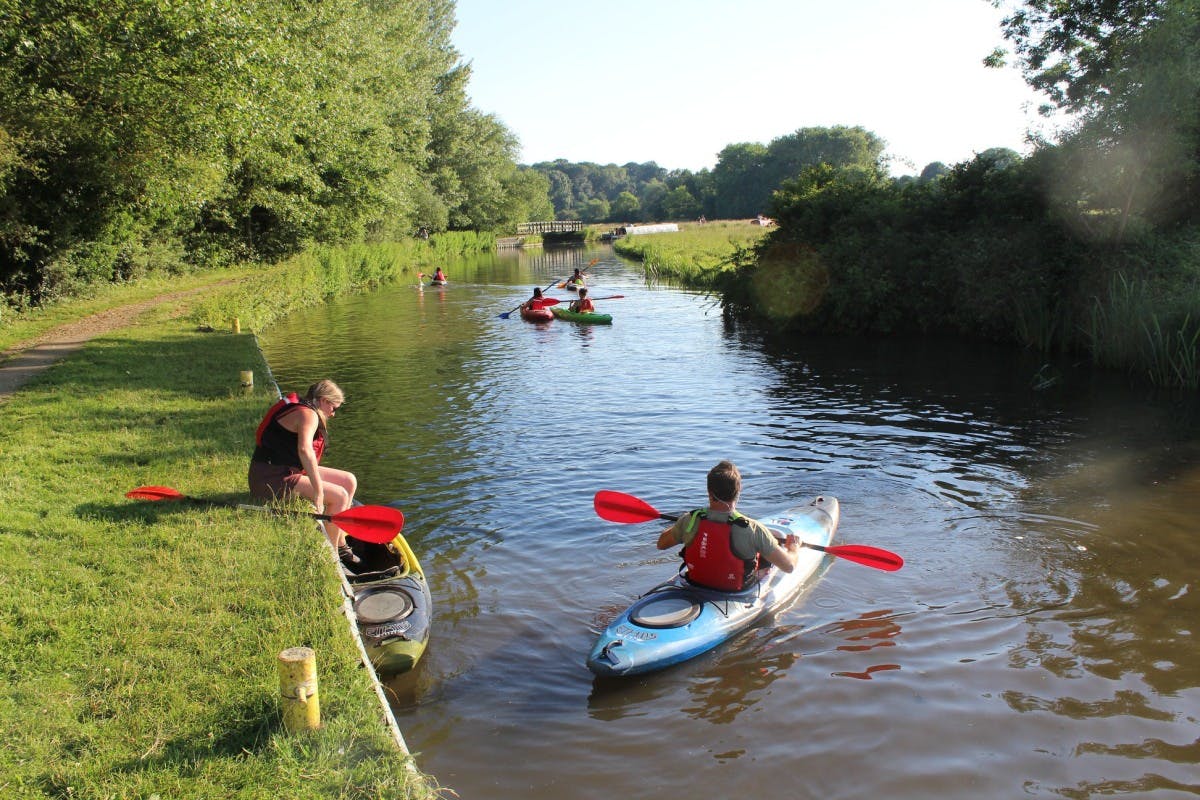
What social media does for your business
- Builds awareness. Photos and videos show what a session with you feels like better than any description.
- Brings in bookings. With a clear booking link, people can go from a post to a date in a few taps.
- Keeps customers coming back. Followers see your new sessions, seasonal dates and offers, and can message you with questions.
- Costs little. Posting is free. Paid ads are optional, and you can start with a small budget.
- Connects you with your community. Local businesses, clubs and enthusiasts can share your posts with their followers.
Know your audience
Think about who books with you: families looking for a day out, groups of friends, schools, corporate teams or keen regulars. Each wants something different. Families want to know it’s safe and fun for children, while a team-building organiser wants group sizes and what’s included. Post with your main customers in mind.
Pick the right platforms
You don’t need to be everywhere. Instagram and Facebook suit most activity businesses because they’re visual and good for reaching local people. LinkedIn helps if you sell team-building days, and TikTok can work for short, lively videos. Our guide to choosing the right social media platform compares them.
Post things people want to share
- Photos and short videos of people having fun, with your location tagged.
- Behind the scenes: kit checks, early starts and your instructors.
- Customers’ own photos and videos, shared with their permission. Ask customers to tag you.
- Useful tips, such as what to wear or the best time of year to try your activity.
- Local hashtags, like #LakeDistrictAdventures, so people looking for things to do in your area find you.
Reply to comments and messages quickly, and like and comment on posts you’re tagged in. Our guide to growing your social media following has more ideas.
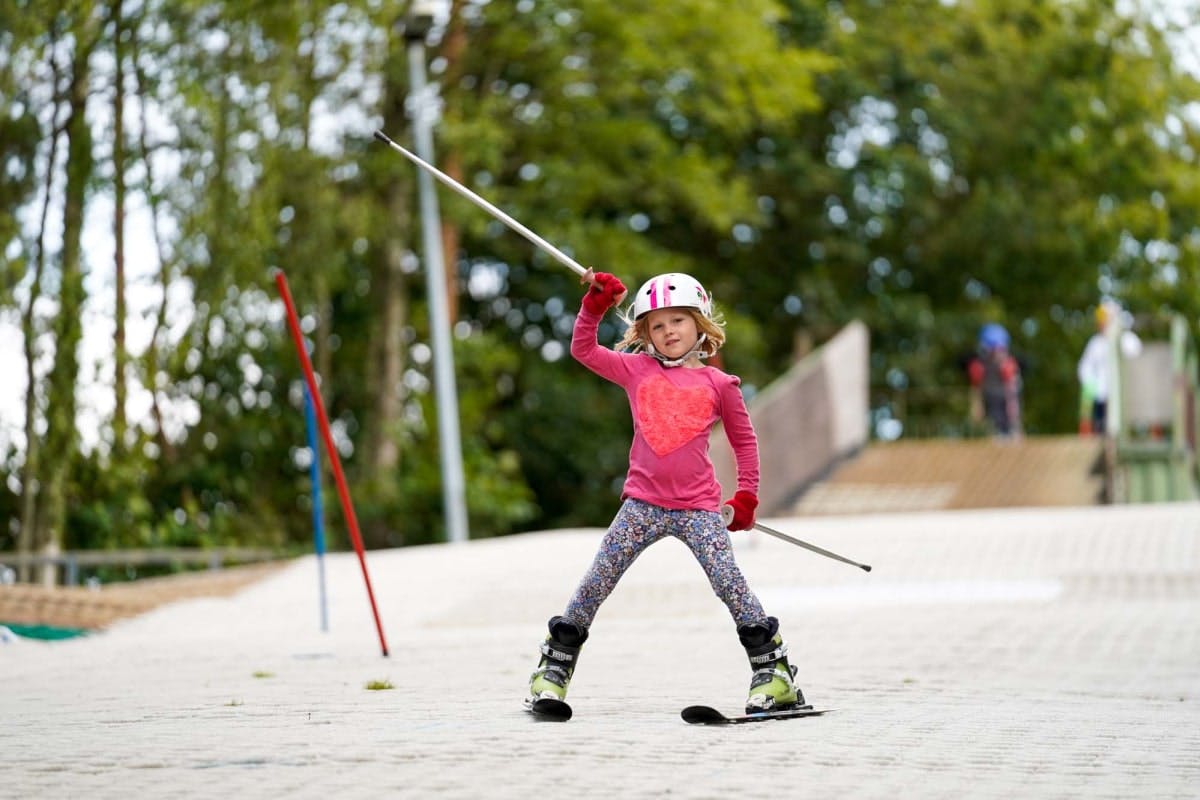
Make it easy to book
Every profile needs a booking link. Put your website, or your booking widget’s direct link, in your Instagram bio and on your Facebook page. In eola, you’ll find the direct link under Toolset > Widget > My widgets, in Website integration.
When you post about a session, say when it runs and how to book, for example “Book via the link in our bio” or “Half-term dates are now on sale”.
Share reviews and customer stories
People trust other customers more than they trust adverts. Share your best reviews and customer photos as posts and stories.
To collect more reviews, add review links in eola. Customers then get a button to review you in the thank-you email after their visit, without your team having to ask. Our guide to getting more online reviews has more tips.
Run a giveaway
A giveaway gets people liking, sharing and tagging friends, which puts you in front of new people. Keep the entry simple, such as follow your account and tag a friend, and check each platform’s rules for promotions first.
A credit voucher makes a good prize. The winner chooses what to book and when, and often brings a friend or two who are new to you. Credit vouchers are included on every eola plan, including Starter.
Work with local creators
Local creators and outdoor or family bloggers can show your activity to people who already trust them. Look for people whose followers live near you or visit your area, and invite them to try a session. Ask them to say clearly that the session was gifted or paid for, as UK advertising rules require.
Try paid ads
Facebook and Instagram ads let you reach people by location and interests, which suits a local activity business. Start with a small budget, promote one session or offer at a time, and send people straight to a page where they can book.
To see what people do after they click your ad, add your Facebook Pixel to your booking widget in Toolset > Widget > Widget settings, under Widget analytics. Analytics tracking is part of the Pro plan. You’ll need a Pixel set up in your Meta account first.
Plan ahead
An hour a week planning posts keeps your accounts active through the busy weeks. Scheduling tools such as Later and Buffer have free plans and let you prepare posts in advance.
See eola in action
Want to see how this could work for your business? Book a demo or get in touch with our team.